Why smart glasses?
Natural Form Factor
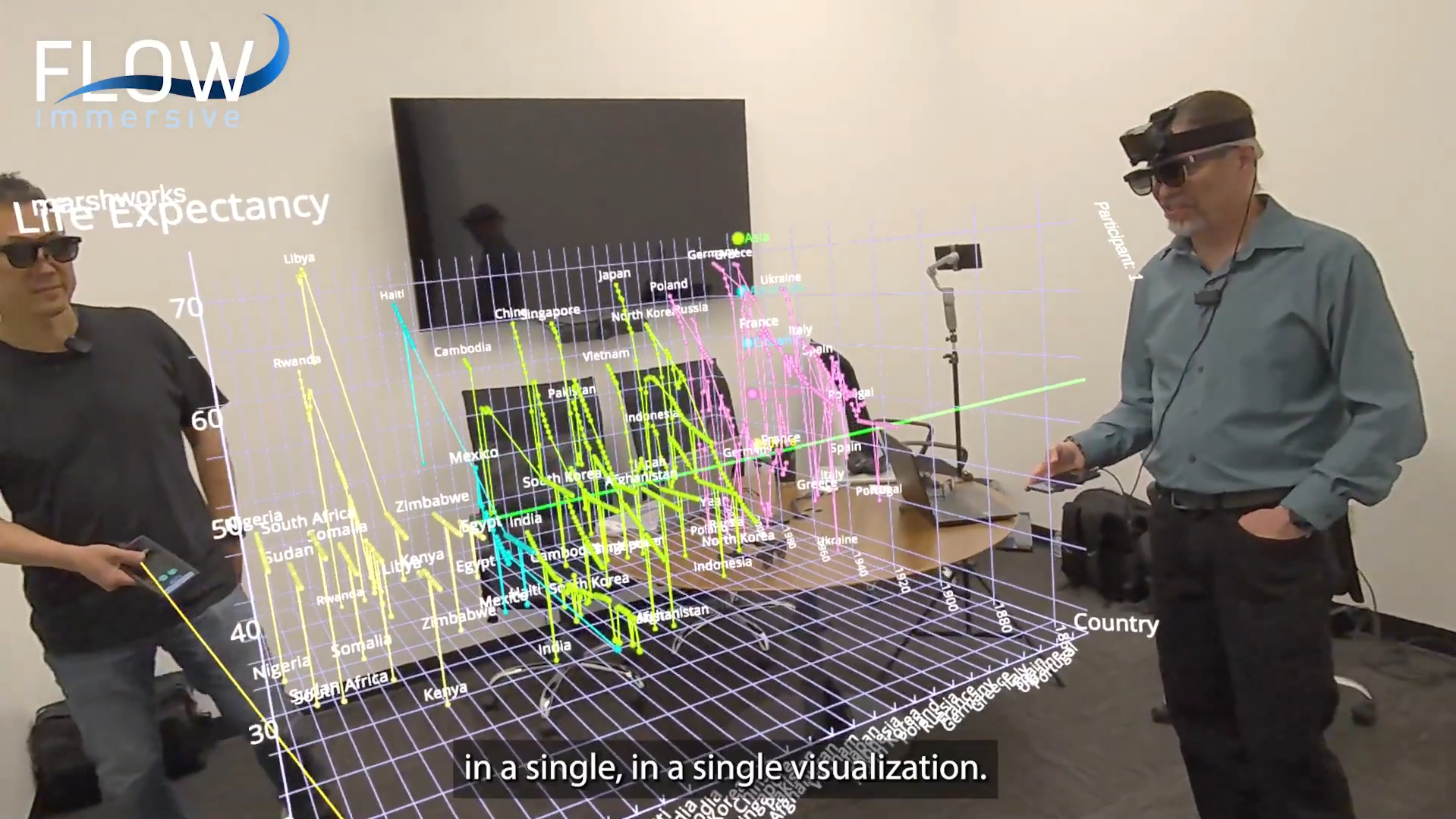
Glasses feel natural at the conference table, with no learning curve and no awkward gear. When Aura arrives, the data story your team already knows steps into the room where everyone can see it.
Data in Context
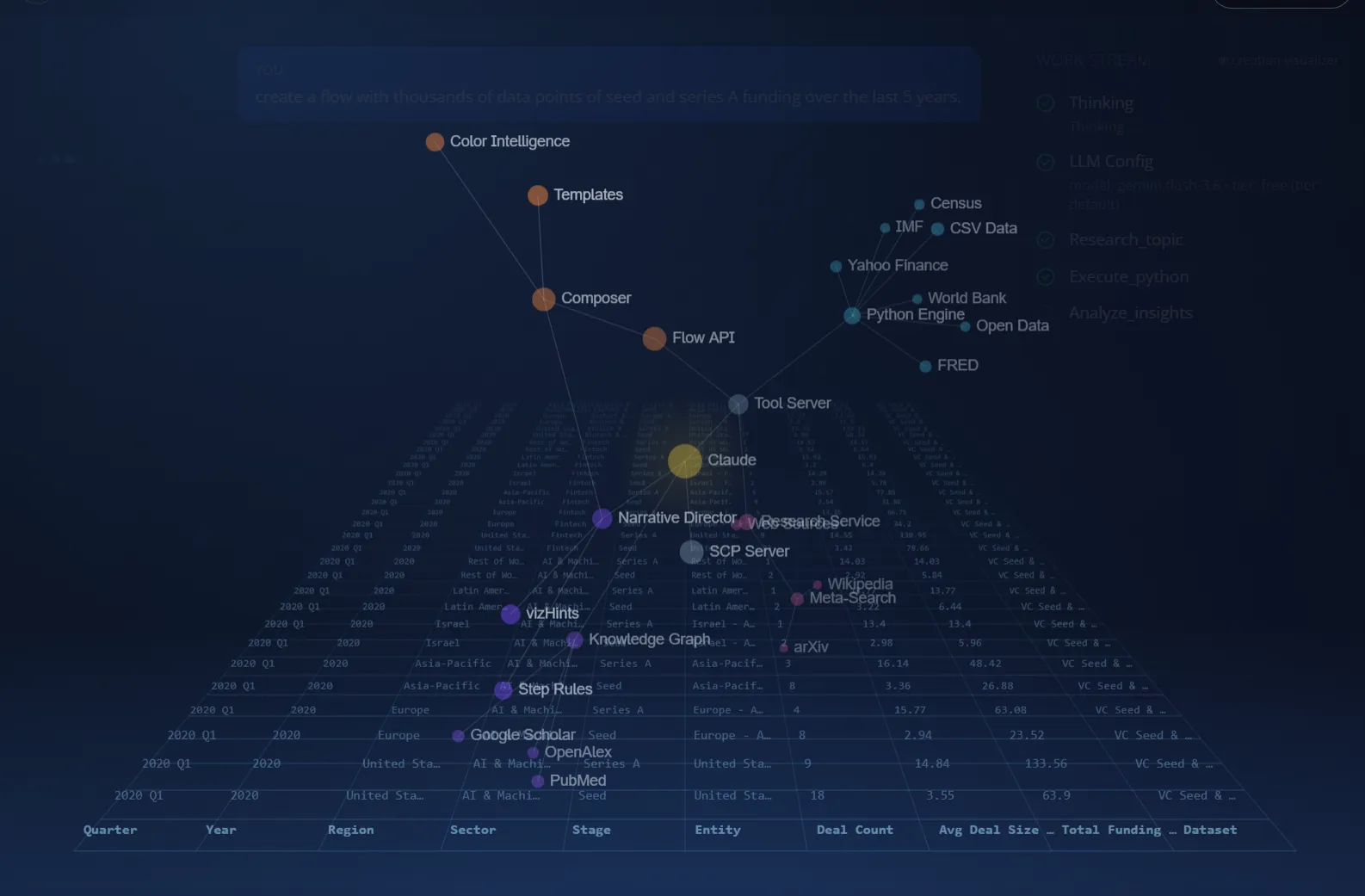
Replace flat charts with something your brain actually remembers. Flow uses spatial reasoning — the same system that lets you navigate a city — to make data relationships intuitive, not abstract.
Easy Adoption
People have worn glasses for centuries. Smart glasses fit how we already behave — no isolation, no disorientation. They can feel like part of your regular toolkit, which is how new technology goes mainstream.
The Future Is Here
The world's biggest companies are investing billions in wearable computing. All-day smart glasses are coming fast — and your colleagues will expect you to show your data at a moment's notice.
XREAL Aura: the next chapter
See your team and your data, eye-to-eye.
- Android XR: Aura runs on Google's new smart glasses platform.
- WebXR: Flow runs in the browser, with nothing to install.
- Fall 2026: Aura arrives, and every Flow composed today already runs on it.
- Same link, new room: the Flow you share now is the Flow that steps off the screen.
With Flow AI
With Flow AI, ask out loud. See it in space. Voice and AI control makes AR usable; AR makes AI answers comprehensible in shared space — off the slide, into the room. Flow's voice-driven AI queries on smart glasses demonstrate this shift from chat to shared reality.
Expanding to Android XR
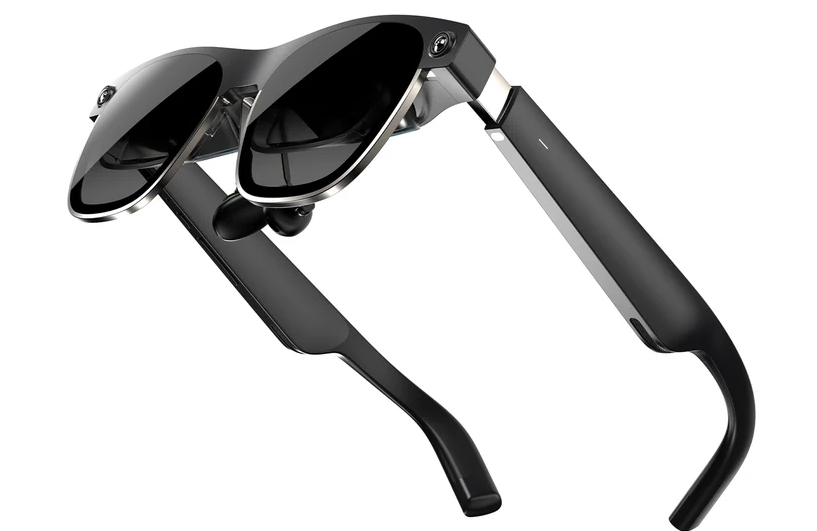
XREAL's Aura smart glasses arrive on Android XR in Fall 2026, running Flow through WebXR. The same spatial data stories you compose today will run on them, with no rebuilding and no porting.
Build once with Flow. Deploy to every pair of smart glasses your team picks up.
Try it on your phone
Scan this QR code to open a live Flow on your phone. On Android, it can natively do augmented reality. On iPhone, Mozilla's WebXR Viewer gives you the AR functionality. Just click the AR button in the upper right.

Android (native AR) · iPhone (WebXR Viewer)